

◫
Split to fit your printer
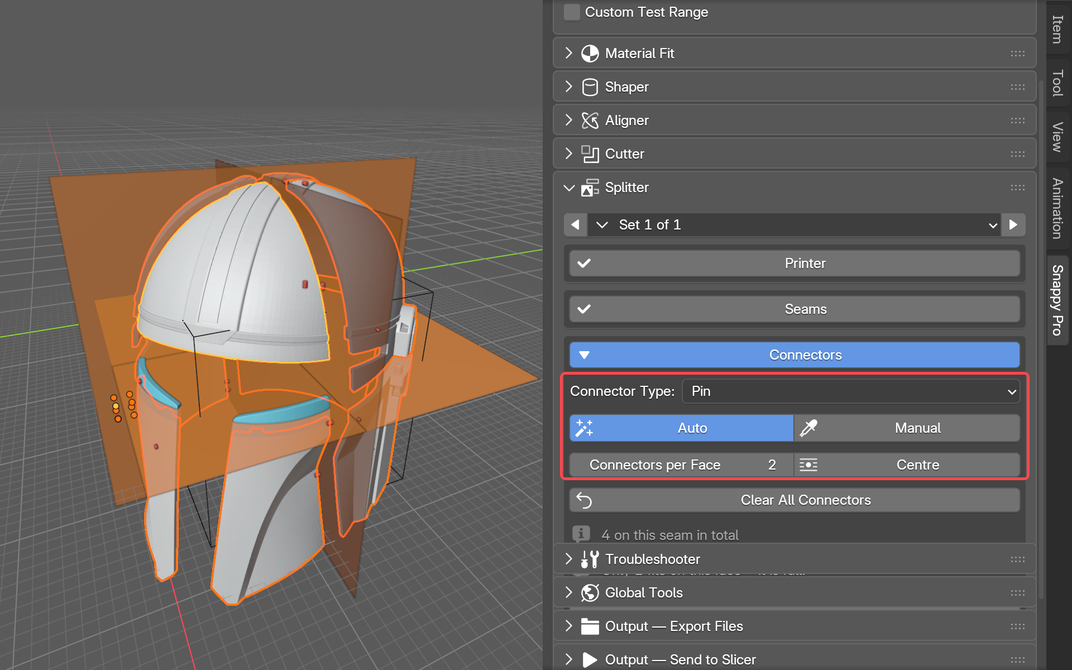
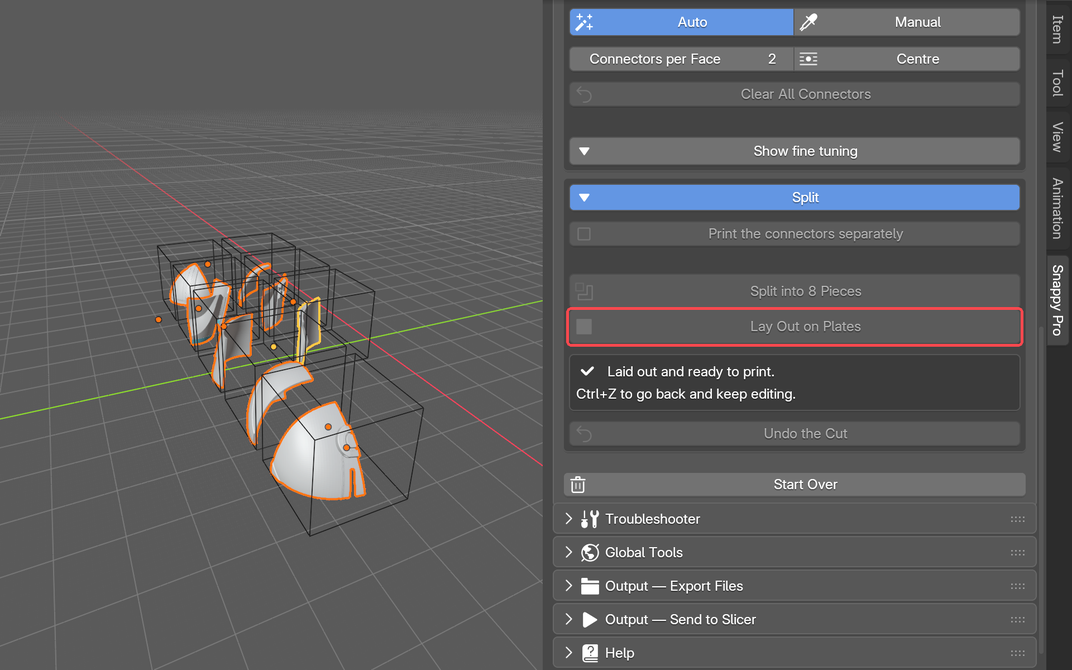
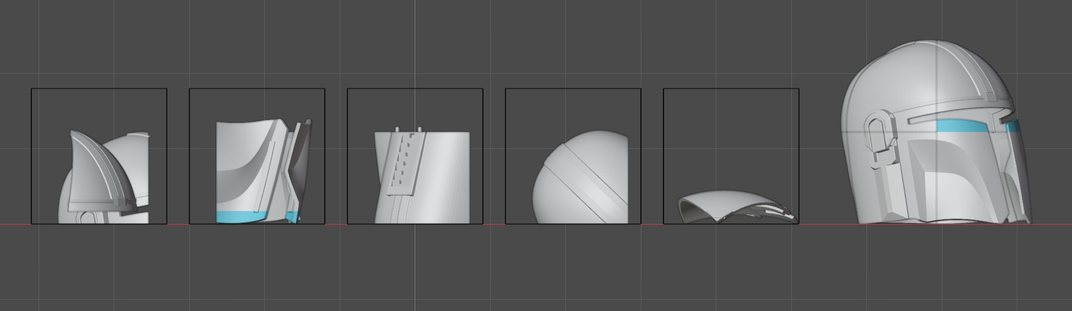
Auto-Cut places the fewest seams that make every piece fit your printer, adds connectors sized to each wall, and lays the pieces out on plates.
Select any image to inspect it full size without leaving the page.
Select a base, choose a cutter, position the fit and export it for printing.
The quick start guide walks through your first cut, choosing a clearance that actually fits, splitting a model for your printer, and what every control does.
Read the Quick Start GuideOne-off payment. Snappy Pro is yours for life, including every future update. Currently half price during Early Access.
More: Update Notes · Roadmap

Start with the essential fitting workflow for free, or unlock Pro for the Part Splitter, the Shaper, the Aligner, multiple cutters and organised exports.

Create repeatable, printable clearances while keeping the original shapes available.
Auto-Cut places the fewest seams that make every piece fit your printer, adds connectors sized to each wall, and lays the pieces out on plates.
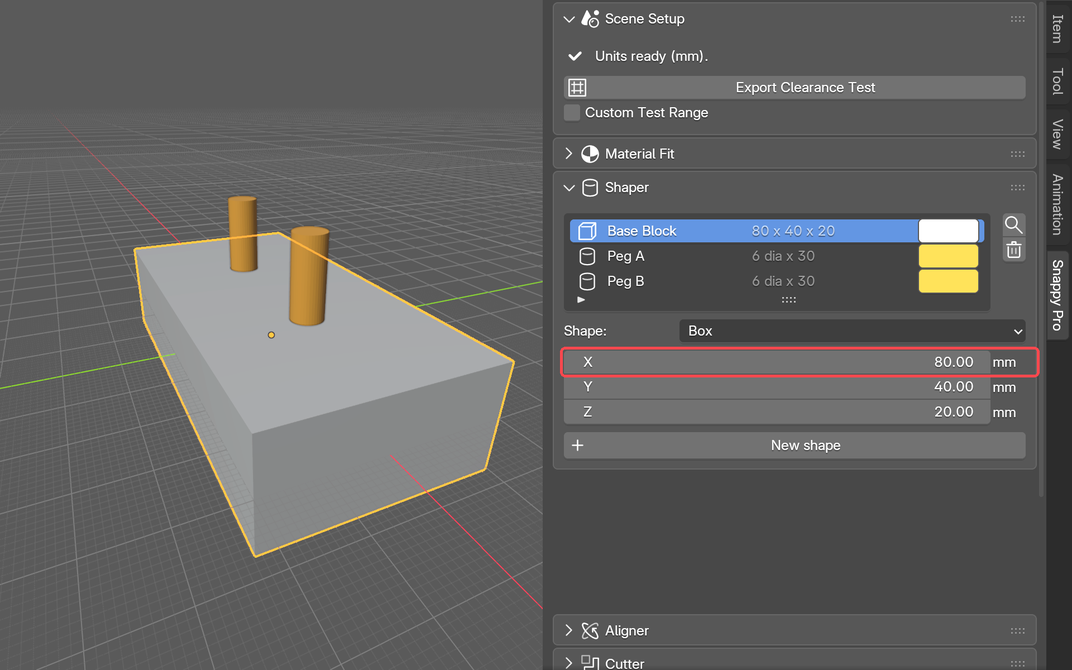
Boxes, cylinders, tubes, cones and spheres made to exact sizes. Type a new number and the shape rebuilds, even after it has been split.
Flush, Same Axis, Centre On and Match show a ghost of where the part will land before you click. Auto Align puts a split back together.
Clearance tests and exported geometry share the same dimensional pipeline.
Position and review fitted parts before applying the final cut.

Switch solvers, diagnose geometry and follow guided repair steps.

Keep bases and their cutters organised and independently configurable.
Keep intentional flush stops on lids, rails and connectors.
Export files or hand a configured project directly to your slicer.
A modern Blender Extension for Windows, macOS and Linux.
Drag the Free card into Blender or download the Free or Pro ZIP.
In Blender Extensions, choose Install from Disk and select the packaged ZIP.
Open Snappy, prepare scene units, then select a base and cutter.
Snappy Pro is under active development. Use Report a Snappy Issue inside Blender so technical details can be included, or email us directly.
layerlabaustralia@gmail.comNew features, fixes and printing tips, sent only when there is something worth telling you about. No spam, and every email has a one-click unsubscribe.